Everything around the customer dashboard, sign-up, sign-in, password resets, email verification, and managing your active subscriptions.
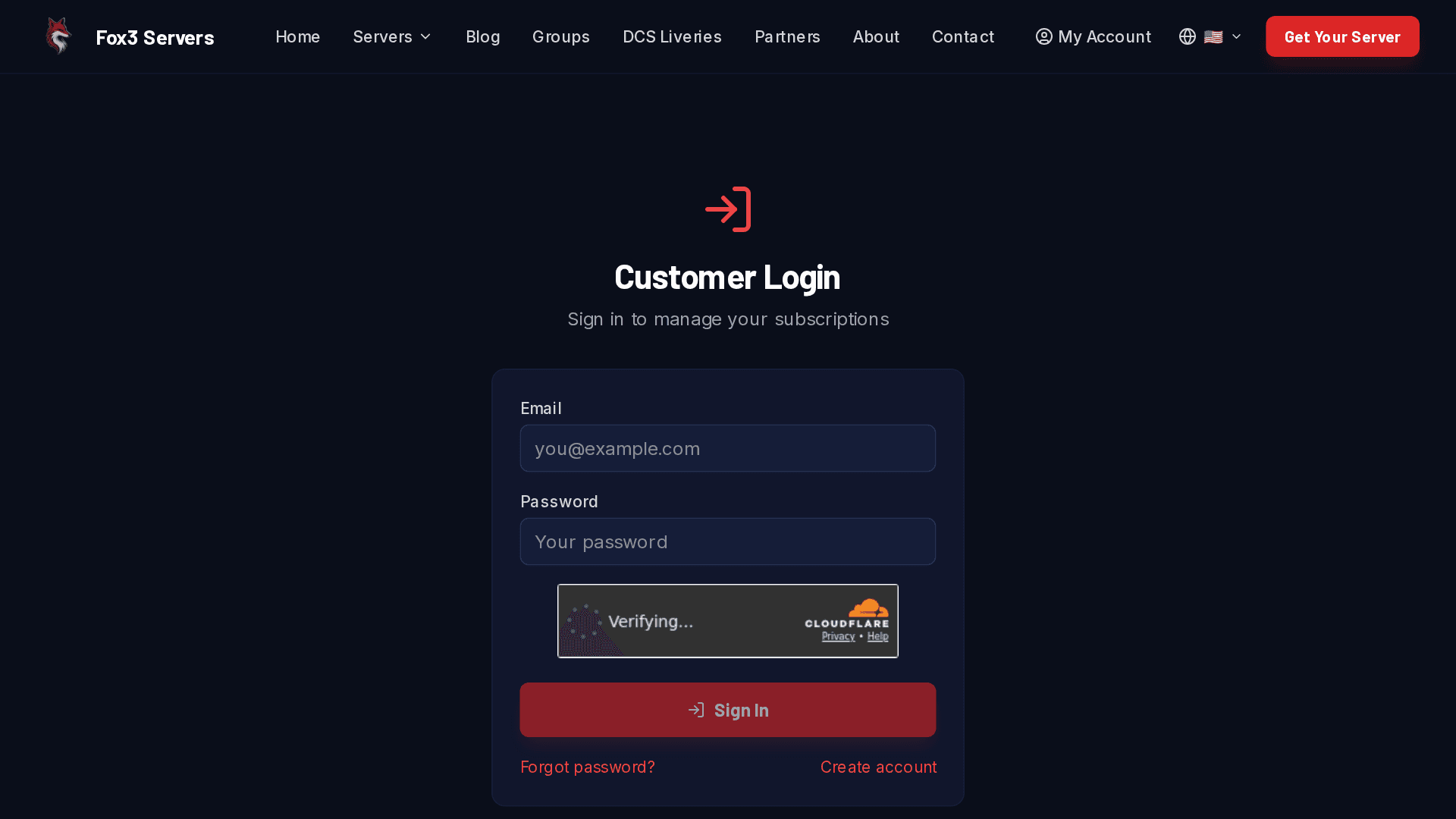
/account/login, your gateway to subscription management.
Registering
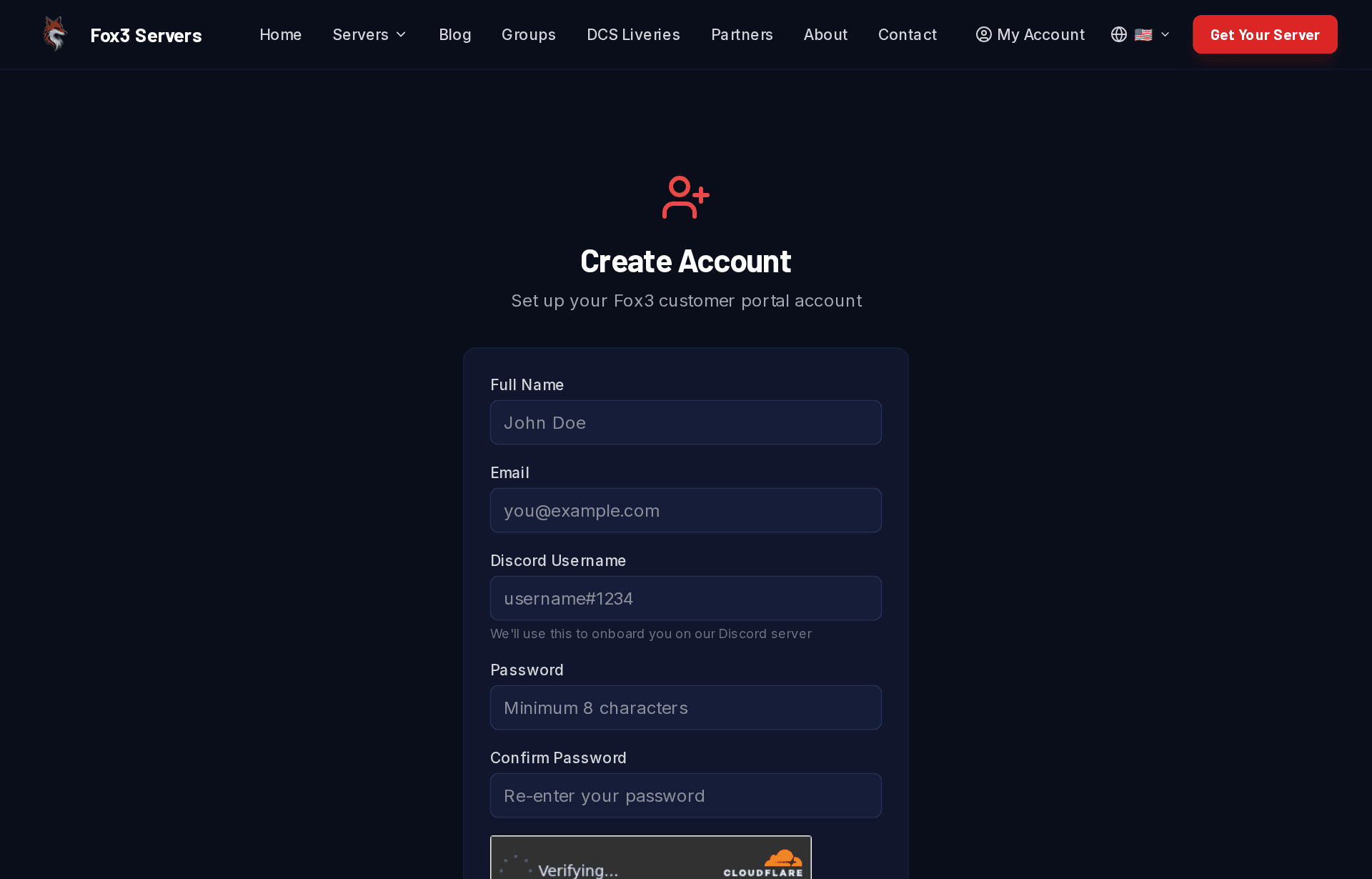
Pick Register on the login screen, or jump straight to /account/register. We need:
A valid email address (used for receipts and password resets)
A password of at least 12 characters
Successful CAPTCHA
You’ll get a verification email within a minute or two. Click the link in it before signing in, until you do, the account is considered unverified.
The registration form, same identity used for both DCS and IL-2 hosting.
Didn’t get the verification email?
Check spam, some providers route us there on first contact
Use the “resend verification” link on the login page
If still nothing, ping us via contact with the email you registered with
Password reset
From the login page, pick Forgot password or use /account/reset-password. We email a one-shot link, it expires after a short window for security.
Coming from the old fox3ms.com site? Your contact info was carried over but not your password, the old platform never shared those with us. Use Forgot password on your first sign-in to set a new one, then everything works normally.
Managing subscriptions
Once signed in, your dashboard lists every active subscription with:
Tier and game (DCS / IL-2 / dedicated)
Your Fox3 server number (e.g. A5-166) - quote this when opening a support ticket so we find your server instantly
Next renewal date
Payment method on file
A direct cancel link
You can also cancel by opening a ticket on the Fox3 Discord - whatever’s easier.
When you cancel, you keep access until the end of the period you’ve already paid for- it just won’t renew after that. For Mission Curator that means your tier stays active on the mission builder right up to your paid-through date, then drops to free. We don’t prorate or refund the remaining days, so there’s no reason to wait until the last minute to cancel.
When you cancel a game-server subscription, we also open a ticket for you on the Fox3 Discord confirming your last day of service - reply there if anything about the cancellation doesn’t look right, or if you’d like to talk to us before it takes effect.
Changing email or payment method
Each subscription on the account dashboard has an Update payment method button. For card (Stripe) subscriptions it opens a secure Stripe page where you can change the card on file. For PayPal subscriptions it takes you to PayPal’s Automatic Payments settings - PayPal billing is managed on PayPal’s side.
Want to switch between card and PayPal? That’s a manual change on our end - open a Discord ticket and we’ll sort it out. For email changes, open a Discord ticket as well - we change it manually so we can verify both addresses are yours. All support runs through Discord tickets; we don’t handle it by email or the contact form.
Server upgrades (CPU & RAM)
Add or remove CPU-core and RAM upgrades for a server from the dashboard. Applying or removing one briefly restarts that server, see the Server upgrades guide for details.
Upgrading your server tier
Want a bigger server, say Wing Tier to Division Tier? Your server subscription card on the account dashboard has an Upgrade server button that lists every higher tier with exact pricing. Two amounts are shown up front:
Due today: the prorated difference between your current tier and the new one for the days left in your current billing period. You only ever pay the difference, never double.
From your next billing date:the new tier’s regular price takes over. Your billing day doesn’t move.
Card (Stripe) upgrades complete instantly on your card on file. PayPal upgrades hop to PayPal once to approve the new plan; the prorated amount is collected with that approval.
The server change itself is applied automatically within a few minutes of checkout for dedicated-VM tiers (Squadron and up): player slots, RAM, and CPU move to the new tier’s specs with one short server restart. Your server number, mission files, and settings stay put. Upgrades from Co-Op or Value Tier involve a move to a dedicated machine, so our team schedules those with you. Downgrades aren’t self-service; open a ticket on the Fox3 Discord and we’ll handle it.