The Fox3 Help Video Library Is Rebuilt for 2026: Seven Videos, Zero Guesswork
A lot changed in the past year. The new Fox3 server portal arrived. The Mod Manager launched with its own library. The Discord bot picked up new commands and new portal controls. Real Weather became an add on, and Live Track now shows your server's air picture right in the portal. And on the DCS side, Stable and Open Beta merged into a single version, which quietly broke a few assumptions pilots had about where their settings and bindings live.
That added up to a video library that was out of date on nearly every topic. So we rebuilt it. Seven new videos, recorded fresh for 2026, covering everything from spinning up your first Fox3 server to making sure your keybinds survive a Windows reinstall. They are short, they are specific, and they get straight to the point.
Here is what is in each one.
Your Fox3 DCS Server: The Complete Beginner's Guide
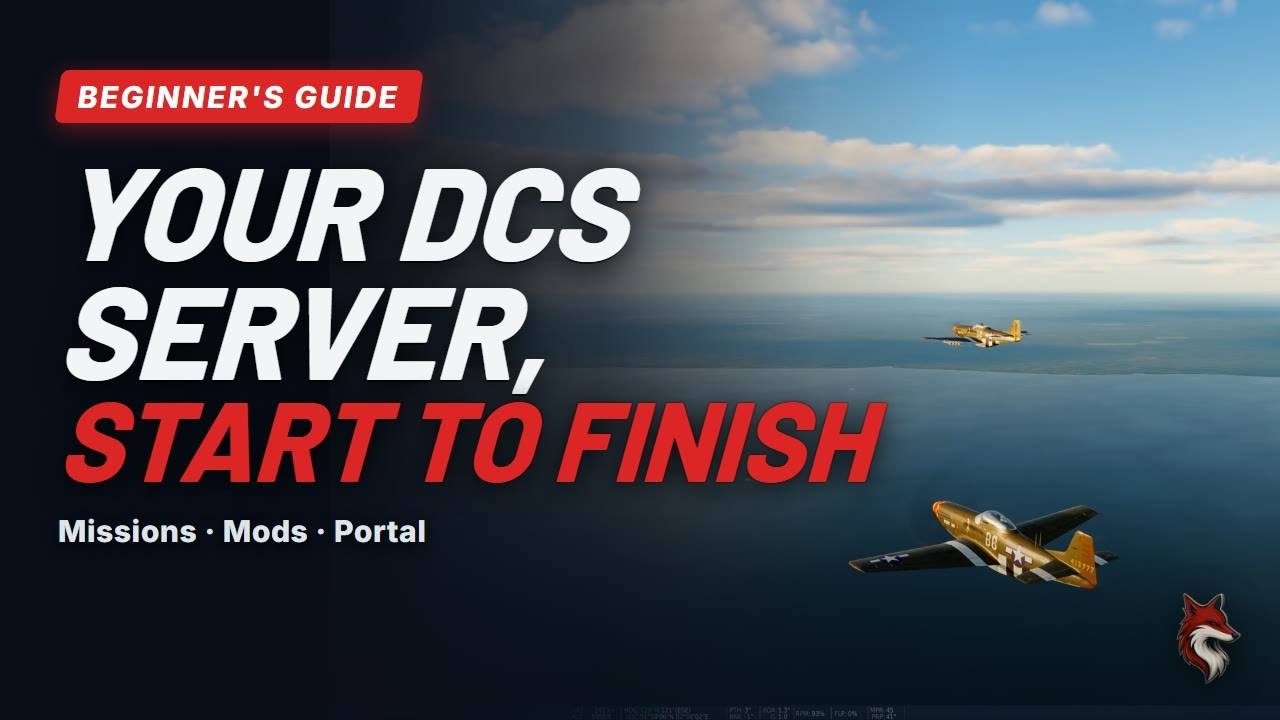
Watch "Your Fox3 DCS Server: The Complete Beginner's Guide" on YouTube
This is the one to send to anyone who just received their welcome email and is staring at three browser tabs wondering where to start. It runs about four minutes and maps out exactly how the pieces fit together.
Three places run your server, all using the login details from that welcome email. The Eagle Dynamics website (Profile, then Game Servers, then My Servers) is where you set the server name, password, public or private, and missions. Your cloud drive mirrors directly to the server and holds your missions, mods, logs, and Tacview files. The Fox3 server portal handles status, restart, reboot, and the Mod Manager.
The video covers uploading and running a mission, making the server private, which mods live on the server versus each pilot's own PC (liveries always stay on the pilot's PC), the one click Mod Manager, and installing mods by hand through the cloud drive. The golden rule runs through all of it: change a setting, save, then restart the server.
Watch it if you are a new server owner who wants to understand how everything connects before touching any settings.
How to Reboot Your Fox3 Server
Watch "How to Reboot Your Fox3 Server with the Fox3 Server Portal" on YouTube
This one replaces our old reboot.me video and clocks in at about two minutes. Short and direct, because rebooting should never be a mystery.
Log in to the Fox3 server portal with your Fox3 ID and server password from the welcome email. From there you have two options. Restart DCS reloads the mission while the underlying machine keeps running. It is the quick fix for a stuck mission and comes with the Discord bot add on. Reboot Server restarts the whole machine, comes on every plan, and is the right move for a frozen server or one showing offline.
After a reboot, Windows is back in about three minutes. Bigger maps take a few minutes more. A green light next to your mission name means ready to fly. The reboot button rests ten minutes between reboots, so it cannot be hammered repeatedly. The old reboot.me file still works if you prefer it. Still showing grey after fifteen minutes? Open a ticket in the Fox3 Discord.
Watch it if you have ever had a server go silent mid mission and did not know which button to press.
Install DCS Mods on Your Fox3 Server in One Click
Watch "Install DCS Mods in One Click with the Fox3 Mod Manager" on YouTube
The Mod Manager lives inside the Fox3 server portal and makes mod installs straightforward. This video runs under two minutes and walks through the whole process.
Pick a mod from the library, click Install, then Apply Changes. DCS restarts once to apply everything, so pick a quiet moment when nobody is flying. The Mod Manager puts the mod in the right place, restarts DCS, and confirms the server came back healthy. Removing a mod works exactly the same way, and removed mods are set aside rather than deleted, so an accidental removal is easy to undo.
Every mod in the library gets installed and test run on a Fox3 reference server before it appears for customers. Server packs such as SAM sites and range targets live on the server only. Flyable aircraft mods go on the server and on every pilot's PC. The Mod Manager is an add on for Fox3 dedicated server plans: take the full library or pick up a single mod. More details are at the Mod Manager page.
Watch it if you want mods on your server without touching folder structures or worrying about restart order.
Fox3 Discord Bot: Run Your Fox3 DCS Server from Your Own Discord
Watch "Run Your Fox3 DCS Server from Your Own Discord" on YouTube
This video runs under two minutes and covers setup through daily use. If your squadron already lives in Discord, the bot turns your own Discord into a server control room.
Setup takes three steps: invite the bot (it needs Manage Server permission), create a dedicated server control channel, then run /f3setup followed by /f3servers. After that the popular commands cover everything you need in the field: /f3restart, /f3reboot, /f3status, /f3nextmission, /f3pause, /f3chat, /f3kick, /f3ban, and /f3srs broadcast. Bot replies are private to the person who ran the command, so your control channel stays clean.
In the Fox3 server portal, the Discord bot add on also unlocks Restart DCS, Pause, Next Mission, Tacview on and off, mission history, live logs, crash reports, Live Track, and Discord notifications for portal restarts and reboots. Full command reference is at the Discord bot help page.
Watch it if your squadron wants to manage the server without anyone needing to open a browser mid session.
Tacview on Fox3 Servers
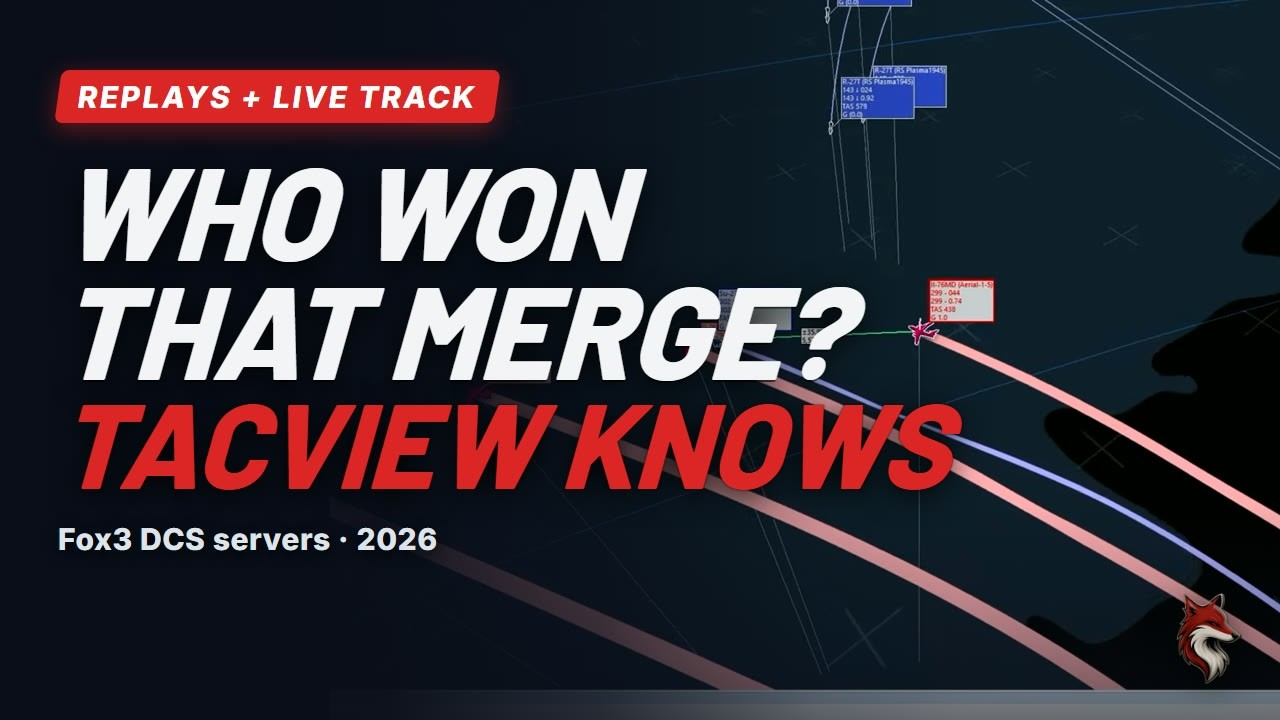
Watch "Tacview on Fox3 Servers" on YouTube
Tacview recording comes already set up on Fox3 DCS servers from Squadron Tier up. This video runs under two minutes and covers both the recordings side and the Live Track feature in the portal.
When a mission ends or changes, the recording lands in the Tacview folder of your cloud drive, named with a timestamp and the mission name. Download it and open it in Tacview. The free version plays these files, so pilots do not need a paid license to review their sorties.
Live Track in the Fox3 server portal shows every aircraft in the air, live, with trails. Drag to spin the view, scroll to zoom. It fills in once pilots spawn into the mission. The Tacview On and Off buttons let you decide when the server records, which matters for events or training sessions where you only want certain flights captured. Live Track and the Tacview controls both come with the Discord bot add on.
One practical note: recordings share your cloud drive space, so download the files you want and clear the rest out now and then.
Watch it if your squadron does post flight debriefs or wants a live overview of the mission as it unfolds.
Real Weather and Time in Fox3 Server Missions
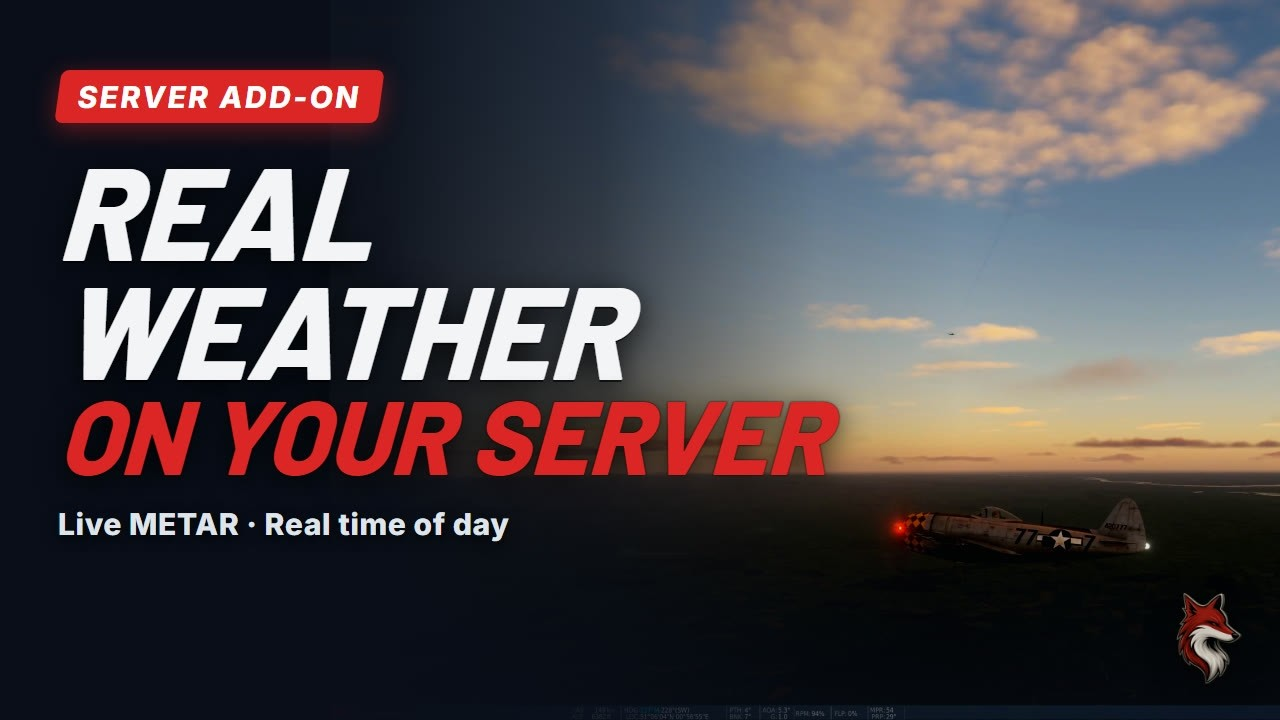
Watch "Real Weather and Time in Fox3 Server Missions" on YouTube
Real Weather is one of the newer add ons and this video runs under two minutes. It reads the live METAR from a real airfield on your mission's map and builds it into the mission: clouds, wind, pressure, and the map's actual local time of day. Every hour the server picks up the latest report and DCS loads it the next time the mission starts.
The portal controls sit right on your server card. On or Off: Off means the mission uses its own built in weather from the next restart, which is handy for scripted scenarios and events that need specific conditions. Stage loads the latest weather at the next reboot while the current flight keeps running. Refresh Now restarts the server immediately to pull in fresh weather, takes about two to three minutes, and asks you to confirm before it does anything.
Real Weather is an add on for each server. More about server upgrades and add ons is here.
Watch it if you want your server's weather to reflect what is actually happening at that airfield right now, not what the mission designer set six months ago.
Never Lose Your DCS Settings Again (2026 Update)
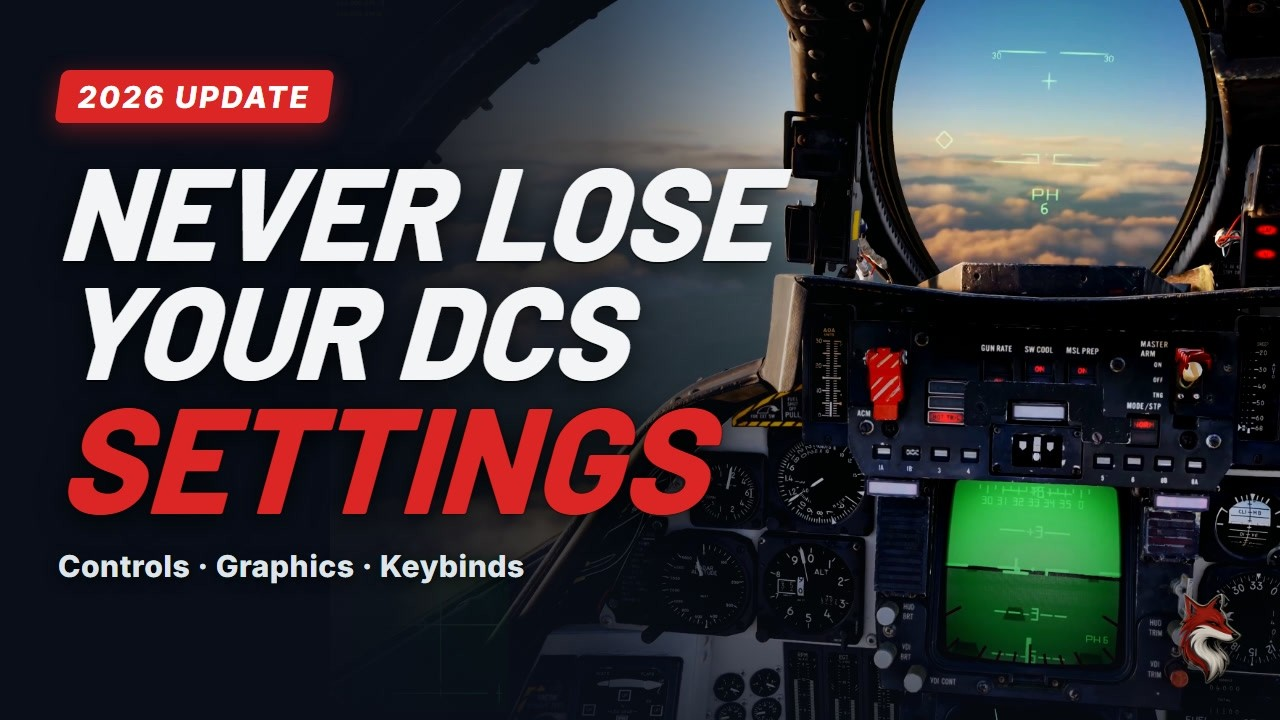
Watch "Never Lose Your DCS Settings Again (2026 Update)" on YouTube
This one is for every DCS pilot, not only server owners. It runs about five minutes and is the 2026 update to a tip we first published in 2021. A lot has changed since then.
The big shift: Stable and Open Beta are now a single DCS version. If your backup routine dates from the days of two separate versions, it is worth checking it still points at the right place. The video shows exactly where DCS keeps your settings today.
It also tackles the bindings mystery: why your controls seem to vanish when you change USB ports or reinstall Windows, and the one minute fix that prevents it from happening again. Third party module folders that most backup routines miss entirely get their own section. And there is a free backup script linked in the video description that automates the whole process. One rule applies to all of it: close DCS before you back anything up.
Watch it if you have ever lost hours of binding work to a reinstall and never want that feeling again.
Where to Find All Seven Videos
All seven videos are on the Fox3 Servers YouTube channel. If you are already in the Fox3 Discord, you will also find them in the help videos channel, ready to share with anyone in your squadron who needs them.
Questions after watching? Open a ticket in the Fox3 Discord and someone from the team will get back to you. No question is too basic. We built these videos because setup questions come up constantly, and we would rather you have a short video to follow than sit stuck waiting for a reply.
If you are still exploring what a hosted DCS server actually gets you, the getting started guide and the DCS server plans page are good places to start.
Frequently Asked Questions
Do I need a Fox3 server to use these videos?
Most of them are specific to Fox3 servers, yes. The exception is the DCS settings backup video, which applies to any DCS pilot on any setup. If you are thinking about getting a hosted DCS server, the beginner's guide video is a great preview of how the whole system works before you commit.
Are these videos free to watch?
Yes. All seven are on the Fox3 Servers YouTube channel at no cost. No login required to view them.
The Mod Manager and Discord bot videos mention add ons. Are those included in all plans?
No, both are add ons. The Mod Manager is available for Fox3 dedicated server plans, and you can take the full mod library or a single mod. You can add the Discord bot at checkout or anytime from the server upgrades page.
My server is still showing grey after a reboot. What do I do?
If your server is still offline after fifteen minutes, open a support ticket in the Fox3 Discord. The reboot video covers what normal looks like (green light, mission name visible) so you can tell the difference between a server that is still coming up and one that needs attention.
Where does DCS keep my settings in 2026 now that Stable and Open Beta are one version?
The settings backup video covers this in detail, including the specific folders and the third party module locations most pilots miss. Watch that one before you do your next backup.
I have a question the videos do not cover. Where do I ask?
Open a ticket in the Fox3 Discord. You can also browse the written guides at the Fox3 help center for common topics.
You fly. We handle the rest.
Ready to fly?
Get a fully managed DCS World or IL-2 server. Most customers are flying within an hour.