GCI on a Fox3 Managed DCS Server: SkyEye AI and LotATC
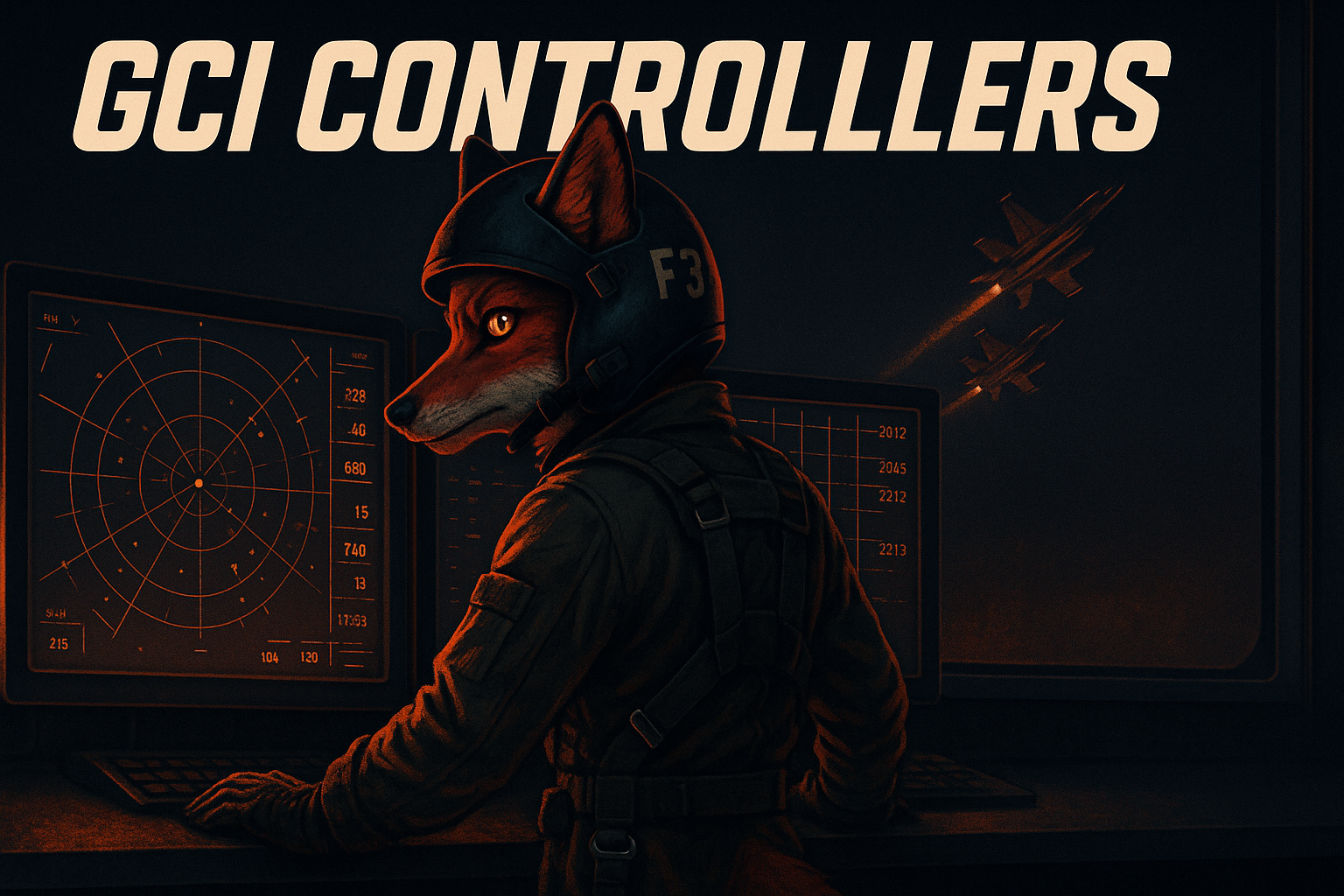
If you have ever run a serious multiplayer server without a dedicated GCI controller, you already know what you are missing. Someone trying to call out bogeys from the cockpit while also fighting them. Pilots asking where the threat is when the AWACS script goes quiet. The whole tactical picture living in someone's head instead of on a proper radar scope. Good GCI changes everything, and Fox3 gives you two ways to put real ground control behind your pilots.
On Squad Tier and above, you can add SkyEye to your managed server for $6.99 a month. SkyEye is an AI driven GCI controller that talks to your pilots in plain English over SRS, hosted and operated by Fox3 on your server. On Wing Tier and above, you also get full LotATC support so your human controllers can sit behind a real radar scope and run the picture themselves.
Here is what each one looks like in practice, and how to choose.
Two GCI Paths on a Fox3 Server
The fastest way to think about it:
- SkyEye is an AI GCI service that Fox3 hosts on your server. Pilots key the mic, ask for picture or a vector, and get a voice response. It is always available, no human required. Available as a managed add-on at $6.99 a month on Squad Tier and above.
- LotATC is the professional standalone radar client your human GCI team uses to run a real scope. It is what serious squadrons run when they have a dedicated controller in the seat. Included on Wing Tier and above.
The two are complementary. Many communities start with SkyEye for everyday operations, then layer in LotATC when they upgrade to Wing Tier and have a controller ready to run dedicated GCI sessions. There is no need to choose one and ignore the other.
SkyEye: AI Ground Control as a Managed Add-On, Squad Tier and Above
SkyEye is an open source AI powered GCI bot for DCS, created by Dharma Bellamkonda and the community at github.com/dharmab/skyeye. It is an advanced replacement for the in game E-2, E-3 and A-50 AI aircraft. On a Fox3 managed DCS server, you do not install SkyEye yourself. Fox3 deploys, configures and operates it as a managed service on your server, available as an add-on at $6.99 a month on Squad Tier and above. The nominal monthly fee covers the additional server resources SkyEye needs for live speech recognition and voice synthesis.
What SkyEye actually does on your server:
- Listens for player radio calls on SRS using modern speech recognition
- Answers in natural sounding AI voice, not the clipped sample-stitching of the in game AWACS
- Speaks proper NATO brevity and follows real world tactical controller procedures, the way a trained human GCI would
- Handles the full controller vocabulary: PICTURE, BOGEY DOPE, DECLARE, SNAPLOCK, SPIKED, STROBE, ALPHA CHECK and VECTOR
- Watches the battlespace and pushes automatic THREAT, MERGED and FADED callouts so your pilots get warnings before they ask
- Works with any DCS mission, single player or multi player, with no special mission editor scripting required
For a managed DCS server with a community that flies at all hours, SkyEye is the difference between a quiet radio and a server that always has the picture. New pilots learn proper GCI comm flow on a controller that is patient and consistent. Veteran pilots get a useful tactical picture even when the squadron's human controllers are offline. Public flyers get a fair experience instead of an empty channel.
Because Fox3 runs SkyEye server side alongside your DCS and SRS services, there is nothing for your pilots or admins to install. Pilots just need SRS, which they already have, and the right frequency on the briefing. Once you add the SkyEye option to your Squad Tier or higher plan, the service is deployed, configured and ready when the server comes online. No mod files, no patching, no extra setup on your end.
LotATC: Real Radar for Real Controllers, Wing Tier and Above
When your community has GCI hands who want to run the picture themselves, LotATC is the tool. It is a standalone radar client that displays real time radar coverage, tracks contacts, and gives your controllers a professional scope to work from.
This is not a heads up display bolted onto a pilot's screen. LotATC runs on its own. Your controllers sit behind the radar scope with full situational awareness while your pilots focus on flying and fighting. That division of labor is exactly what transforms a good multiplayer server into a great one.
LotATC server side support is included on Fox3 managed DCS servers at Wing Tier and above. The infrastructure is set up and waiting. Your controllers install the LotATC client on their own machines, point it at your server, and they are on scope.
A skilled GCI controller with a proper radar picture can vector fighters, call out threats before they merge, coordinate SEAD packages, and manage airspace in ways that simply are not possible when everyone is relying on the in game AWACS alone.
What Your GCI Controllers See in LotATC
When a controller connects to your Fox3 hosted DCS server through LotATC, they get:
- A real time radar display showing all air contacts within their coverage area
- Altitude and speed data on tracked contacts
- IFF discrimination between friendly and hostile tracks
- The ability to label and vector specific contacts
- Full control over their own radar modes and filter settings
- A clean, professional radar scope interface that feels purpose built for the job
All of this happens outside the game client. Your controllers do not need to be spawned in DCS. They do not need a seat in an aircraft. They open the LotATC client, connect to your server, and they are on scope.
That is a big deal for community operations. Your most experienced GCI hand can run the picture from a laptop without holding a slot that a fighter pilot could be using.
How LotATC Connects to Your Wing Tier Server
LotATC operates through a dedicated connection to the DCS server instance. On a Wing Tier Fox3 managed DCS server, the server side LotATC component is already configured and running as part of your server environment. Your controllers install the LotATC client on their own machines, point it at your server address with the appropriate port and password, and they are in.
The client side LotATC software does require a personal license for each controller. That is a one time purchase from the LotATC developers, and it is well worth it for anyone serious about the GCI role. The server side piece, the part Fox3 manages for you, is handled.
Setup on your end is straightforward:
- Your GCI controller purchases and installs the LotATC client
- You provide them with your Fox3 server address, LotATC port, and connection password
- They connect, and they are on scope
That is it. No server side configuration rabbit holes. No fighting with firewall rules or wondering if the right DCS hooks are loaded. Fox3 handles the infrastructure side so your team can focus on the operation.
Choosing Between SkyEye and LotATC, or Running Both
For most communities, the path looks like this:
- Starting out on Squad Tier: Add SkyEye at $6.99 a month and let AI GCI handle the picture. Your pilots get a real controller voice on the radio whenever they fly. No scheduling, no slot pressure, no quiet channel.
- Growing into Wing Tier: Keep the SkyEye add-on running as your always available baseline, and use the included LotATC support so your dedicated human controllers can run scheduled operations, squadron nights, and big community events.
The two work together. SkyEye is your default GCI service for everyday flying. LotATC is what your team reaches for when a human controller is in the seat and the operation calls for a real radar picture. You do not have to pick one and abandon the other.
The Community Impact
GCI is one of those features that looks like a technical checkbox until you actually use it on a busy server. Then it becomes central to everything.
Squadrons that run regular operations with dedicated GCI report a completely different quality of engagement. Intercepts are sharper. Strikes are better coordinated. Players who might never have found a role they loved in DCS discover that the radar scope is exactly where they belong.
For communities that do not always have a human controller available, SkyEye fills the gap so the experience never collapses to silence. For squadrons that do have dedicated GCI talent, LotATC turns those people into a true force multiplier.
If you are building a server for a squadron, a community event, or a persistent campaign environment, GCI capability is not a luxury. It is part of what separates a serious server from a public chaos server.
A Few Tips for Getting the Most Out of GCI on Your Server
Whether you are leaning on SkyEye, LotATC, or both, a few practices make a real difference:
- Brief your pilots on how to talk to SkyEye. A short reference card listing the standard requests, such as PICTURE, BOGEY DOPE, DECLARE, SNAPLOCK and VECTOR TO BULLSEYE, helps pilots get useful answers fast. SkyEye uses real world brevity, so once your community learns the calls they apply on any DCS server running it.
- Assign dedicated GCI slots when you have human controllers. Brief your community on the role and make clear it is a valued position, not a fallback for pilots waiting for a jet.
- Use SRS as the backbone. SRS radio is what both SkyEye and your LotATC controllers use to reach pilots. Realistic frequencies and proper comm discipline make every session sharper.
- Establish radar coverage early in your mission design. Both SkyEye and LotATC build the picture from the radar coverage in your mission. EWR units and AWACS assets placed well give your controllers better data to work with.
- Brief the GCI picture format. Whether your team uses a NATO format or something homegrown, consistency in how contacts are called makes the whole operation smoother.
Fox3 support is always available via Discord if you have questions about SkyEye behavior, LotATC connection details, or optimizing your server setup for GCI operations.
Frequently Asked Questions
Which Fox3 tier do I need for SkyEye, and what does it cost?
SkyEye is available as a managed add-on at $6.99 a month on Squad Tier and above. Fox3 deploys, configures and operates it on your server. The monthly fee covers the additional server resources SkyEye uses for real time speech recognition and voice synthesis. There is nothing for your community to install on the DCS side.
Is SkyEye a mod I install myself?
No. SkyEye is open source software, but on Fox3 it is delivered as a managed service. You do not download or run anything. Once you add the SkyEye option to your plan, Fox3 hosts it on your server, keeps it updated, and tunes it for your environment.
Who builds SkyEye?
SkyEye is open source software created by Dharma Bellamkonda and the DCS community, available at github.com/dharmab/skyeye under the MIT license. Fox3 deploys, configures and operates it on your managed server so you do not have to.
Which Fox3 tier do I need for LotATC?
LotATC server side support is included at Wing Tier and above with no additional charge. Your human controllers connect with their own LotATC client license. Squad Tier servers can add SkyEye for AI GCI and upgrade to Wing Tier when they are ready to bring in real radar with LotATC.
Do my pilots and controllers need to buy anything?
SkyEye runs entirely on the server, so pilots and controllers do not need to buy anything for it. The LotATC client requires a personal license purchased from the LotATC developers. This is a one time purchase per controller. The server side components for both, which Fox3 manages, do not require additional purchases through Fox3 beyond the SkyEye add-on fee.
Can SkyEye and LotATC run at the same time?
Yes. On a Wing Tier server, SkyEye keeps providing always available AI GCI while your human controllers run dedicated LotATC sessions. The two are complementary, not exclusive.
How many GCI controllers can connect to LotATC at the same time?
Multiple controllers can connect simultaneously, which is useful for large operations where you might split east and west sectors or run dedicated controllers for different mission elements. Practical limits depend on your operation design more than any hard technical ceiling.
Does GCI work with all DCS maps?
Both SkyEye and LotATC work across DCS World maps. Your radar picture will reflect the coverage provided by EWR units, AWACS, and carrier based radar assets placed in your mission, so coverage quality scales with your mission design.
Can LotATC controllers also use SRS for radio communications?
Absolutely, and we strongly recommend it. Running SRS alongside LotATC gives your GCI team realistic frequency based radio communication with pilots. It is one of the most impactful combinations you can run on a serious DCS server.
What if I need help setting up GCI on my server?
Fox3 support is available through the Fox3 Discord. Bring your questions there and the team will get you sorted out quickly.
GCI is one of those force multipliers that the DCS community has always known about but not every server actually delivers on. Fox3 gives you two ways to deliver. Add SkyEye AI ground control on Squad Tier and above for $6.99 a month so your pilots always have a voice on the radio, and step up to Wing Tier and above for included LotATC support so your human controllers can run the picture themselves. No setup friction, no server side guesswork, just a clean GCI experience and a team ready to build the fight.
If you are ready to stand up a server with real GCI capability, head over to fox3cloud.com and take a look at what we have built for communities like yours.
Happy Flying!
Ready to fly?
Get a fully managed DCS World or IL-2 server. Most customers are flying within an hour.