Your Foothold Campaign, Right There in Discord
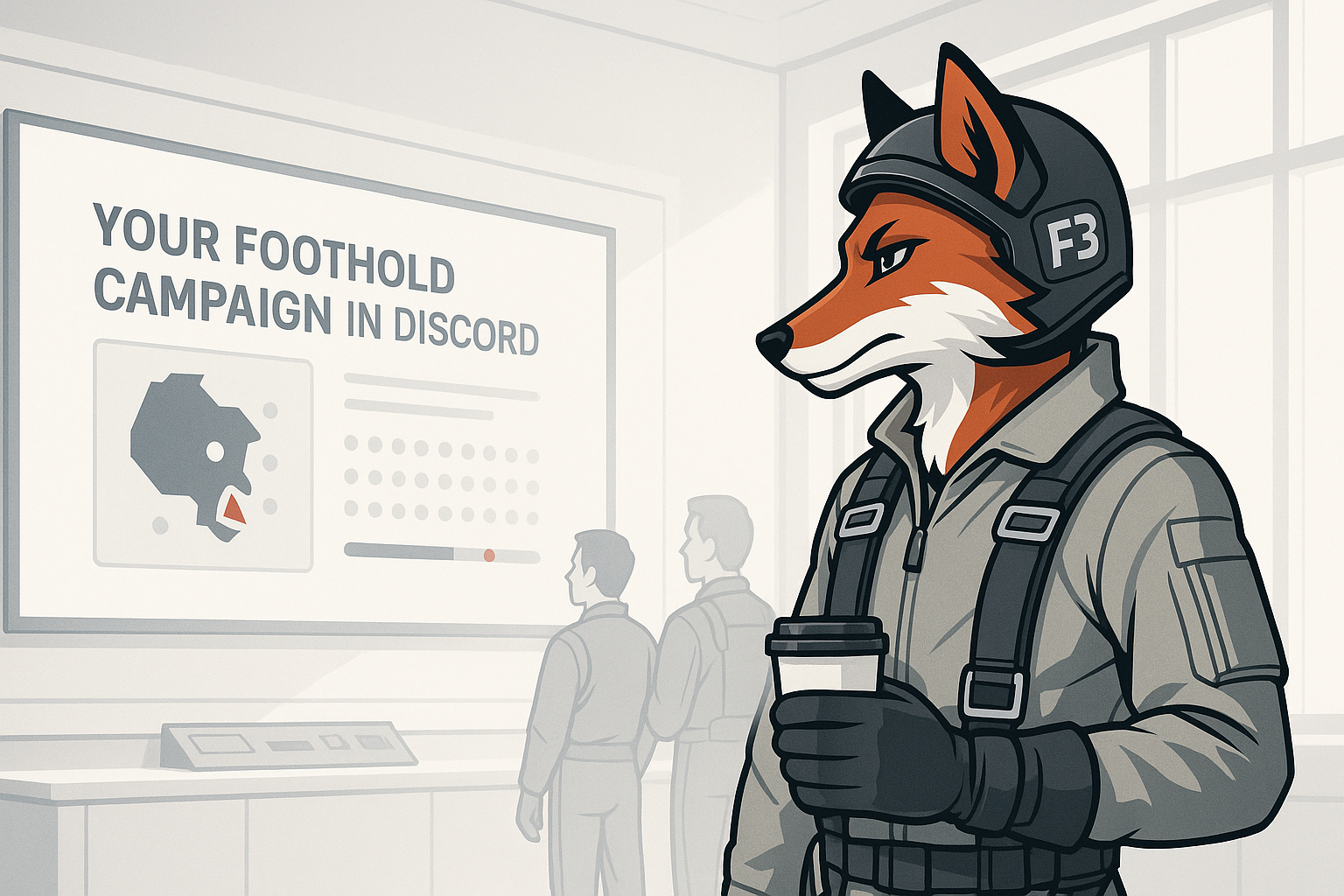
A squadron asked for it. They had it the same day.
That is the short version of how Foothold support landed in the Fox3 Discord bot. The longer version is worth reading, because if your group runs a Foothold campaign on a Fox3 server, this changes your daily rhythm in a pretty satisfying way.
What the Problem Actually Was
Foothold squadrons live in Discord between sorties. Someone always wants to know the state of the front. Which zones does blue hold? What level is that airfield? Are there enough credits to fund the next push? Did anything change while the server was quiet?
The usual answer was: log in and look. Or hope someone remembered to post a screenshot.
Community tools exist for this kind of thing, but the ones most people know about need to run a process directly on the server. That is simply not something a managed hosting environment can allow. It is not a Fox3 rule for its own sake. It is the boundary that keeps every server on the platform stable and secure for everyone.
So the Fox3 engineering side had to find a different path. The result is a clean one: the Fox3 Discord bot reads the save data that Foothold already writes on its own, with nothing installed in the mission and nothing changed on the server. Your campaign runs exactly as it always has. The bot just knows how to read what Foothold leaves behind.
What Shipped Today
Every Fox3 DCS server customer who already has the Discord bot add on gets this automatically. No upgrade, no config, no support ticket. The commands appear in your existing Fox3 bot command channel right now.
Here are the five commands, in the order you will probably use them:
| Command | What it does |
|---|---|
/f3foothold status |
A campaign card showing zone ownership, zone upgrade levels as filled and hollow dots, a blue versus red balance bar, credit balances for both sides, active missions, and who was slotted at the last save. |
/f3foothold pilots |
A pilot leaderboard sorted by career rank by default (Recruit up to General of the Air Force with career credits), or add sort:campaign for current campaign points with kills by class and deaths. |
/f3foothold me |
Your personal card: rank and credits to the next rank, fixed wing and helicopter hours, takeoffs, landings and carrier traps, kills by class, ejections, deaths, best air to air streak, last seen, and points this campaign. Leave the pilot name off and the bot tries your Discord display name. |
/f3foothold autopost set |
Pick a channel and a schedule (every 15 minutes up to every 4 hours) and the bot keeps one status card there, edited in place. No spam. Always the same message. |
/f3foothold autopost off |
Removes the autopost. One command, done. |
If your group runs a single server, you never type a server number. The bot knows which one is yours. Squadrons with several servers add server_num the same way they do with every other Fox3 bot command.
The Autopost Is the One to Pay Attention To
The five commands are all useful, but autopost is the one that changes the texture of your Discord server.
Set it once in your ops channel, or your campaign planning channel, or wherever your pilots congregate. From that point forward, anyone who glances at Discord can see the current state of the front without asking, without pinging the server owner, and without logging into the game. The card updates on your chosen schedule and edits itself in place, so there is no stream of repeated posts cluttering the channel.
For squadrons that plan their sorties in Discord, that is a real quality of life shift.
A Note on Staleness
Every status card shows exactly when the save it was built from was written. If Foothold has not saved for a while, the card marks itself STALE so nobody treats an old snapshot as live occupancy data.
This matters on servers running the Fox3 platform standard of pausing when empty. A paused server holds its last saved state, and the bot represents that honestly. You always know what you are looking at.
Works Across Every Map
Foothold support in the bot is not limited to one map or one campaign configuration. It works with any Foothold campaign on any map: Syria, Caucasus, Persian Gulf, and the rest. The bot reads the campaign's own save data, so it adapts to whatever your mission is doing rather than relying on a fixed template.
No Extra Charge
This is part of the Discord bot add on. If you already have it, you already have this. If you have been on the fence about adding the bot to your Fox3 server subscription, this is a reasonable moment to take another look at what it can do.
And if you are not yet a Fox3 customer and your squadron is running Foothold somewhere that makes checking campaign state a hassle, we are happy to talk through what hosting looks like.
Frequently Asked Questions
Do I need to install anything on my server or modify my Foothold mission to use these commands?
No. Nothing is installed in the mission and nothing on the server changes. The bot reads data that Foothold already produces. Your campaign setup stays exactly as it is.
I already have the Fox3 Discord bot. Do I need to do anything to get these commands?
Nothing at all. The commands are available in your existing bot command channel right now. No update, no request, no extra steps.
What maps and Foothold configurations does this support?
All of them. The bot works with any Foothold campaign on any map because it reads the campaign's own save data rather than relying on map specific logic.
What does the STALE label on a status card mean?
It means Foothold has not written a new save for longer than expected. The card shows you the last known state but flags it clearly so you know it may not reflect current occupancy. This is especially common on servers that pause when empty.
Can players in my Discord see the autopost card even if they do not have bot permissions?
Yes. The autopost card is visible to anyone who can read the channel you put it in. You control access through normal Discord channel permissions.
My squadron runs multiple Fox3 servers. How does the bot know which Foothold campaign to show?
The same way it handles all multi server commands: add the server_num argument to specify which server you want. Single server customers never need to worry about this.
Your campaign is already saving its state every few minutes. Now your Discord knows about it too.
You fly. We handle the rest.
Ready to fly?
Get a fully managed DCS World or IL-2 server. Most customers are flying within an hour.