📢 Important Update: Co-Op Tier & Value Tier Memory Limits
📢 Important Update: Co-Op Tier & Value Tier Memory Limits
UPDATE:
Any new subscriptions for Co-Op and Value Tier have been upgraded to include more RAM since DCS_Server is using more RAM. So there was an offsetting price increase to reflect to new RAM amounts. These now come with 10G and 12G respectively. The Squad Tier now comes with 14G up from 12G due to additional RAM requirements for DCS_Server.exe.
If you purchased an earlier version of these Tiers prior to the RAM bumps, you may want to add additional RAM to you server. You can do it here: https://fox3servers.com/servers/upgrades
If you don't add the RAM heavily scripted missions like Foothold and others will simply crash your server over and over.
Attention Fox3 pilots,
Over the years, we have done our best to be flexible with resource usage on our Co-Op Tier and Value Tier DCS servers. While these plans were designed with specific memory allocations, we have not historically enforced those limits.
Unfortunately, that is no longer sustainable.
We've seen many Co-Op Tier servers (8 GB RAM) running missions that consume 15 GB or more of memory resource usage normally associated with our Wing Tier servers. This isn't caused by player slots. In most cases, it's driven by mission complexity, including:
Large numbers of AI units
Heavy scripting
Complex mission logic
Demanding maps
Extensive Lua frameworks and mods
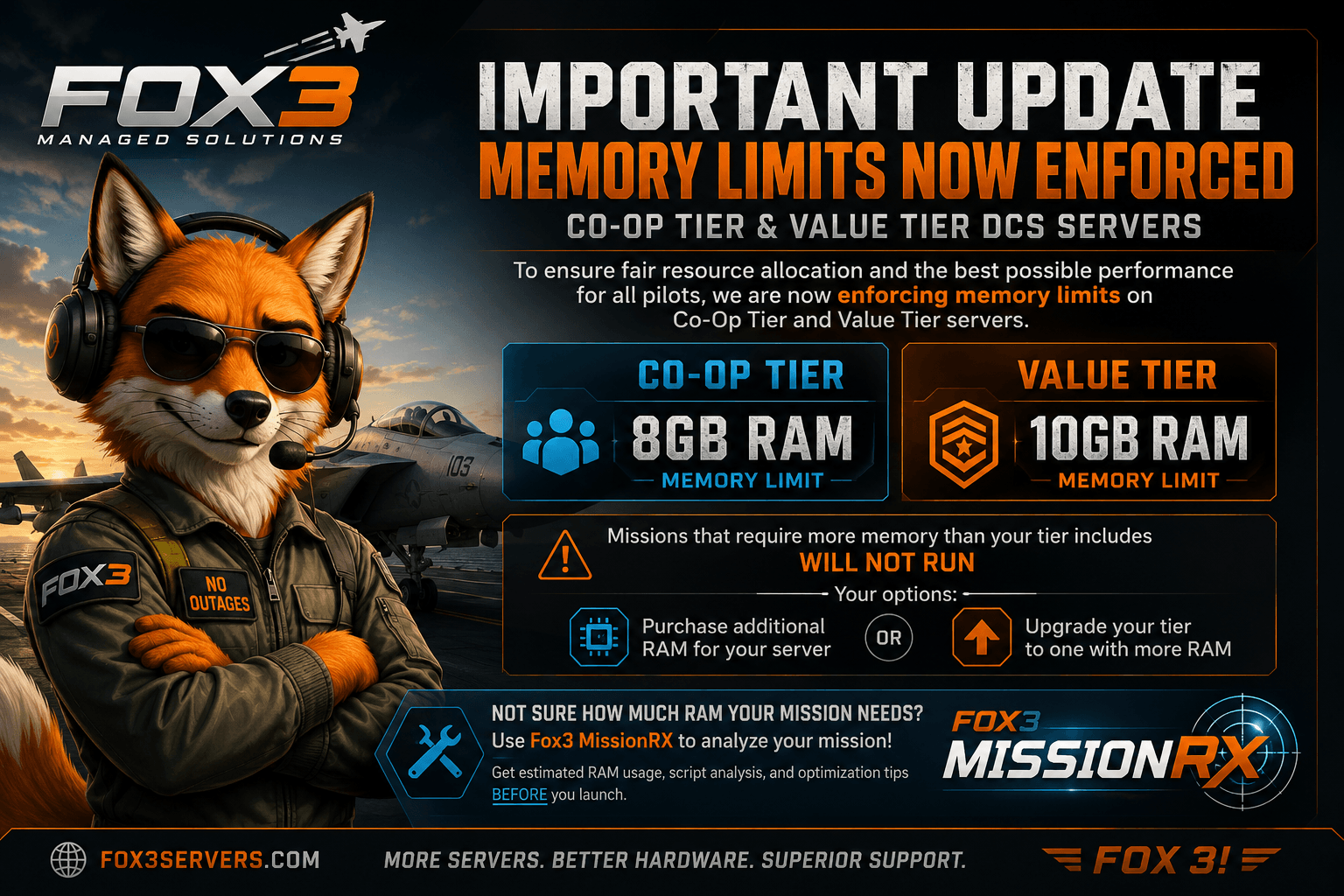
To ensure fair resource allocation for everyone and maintain the performance and stability of the Fox3 platform, effective immediately we will begin enforcing the RAM limits included with each hosting tier.
Memory Limits
Co-Op Tier: 8 GB RAM
Value Tier: 10 GB RAM
If your mission requires more memory than your plan includes, you have three options:
• Purchase additional RAM for your existing server.
• Upgrade to a hosting tier designed for more demanding missions.
• Lower the RAM Requirements of your Mission by reducing the AI units and Radars or use a different Mission all together.
Not Sure How Much RAM Your Mission Needs?
Before uploading a mission, you can use Fox3 MissionRX to analyze it. MissionRX estimates the amount of RAM your mission is likely to require and can also identify scripting issues, mission design problems, overly dense air defenses, and other performance bottlenecks. https://fox3servers.com/mission-reliability
This allows you to know ahead of time whether your mission is a good fit for your current hosting tier, or whether it would benefit from optimization or additional resources.
Our goal isn't to force upgrades. It's to make sure every customer receives the resources included with their plan while keeping the platform fair and reliable for everyone.
If you have questions or need help determining the best option for your server, please open a support ticket. We're always happy to help.
Thank you for your understanding, and thank you for choosing Fox3.
– The Fox3 Team
Ready to fly?
Get a fully managed DCS World or IL-2 server. Most customers are flying within an hour.