Patch Night Used to Be a Nightmare. Here Is How Fox3 Ends That.
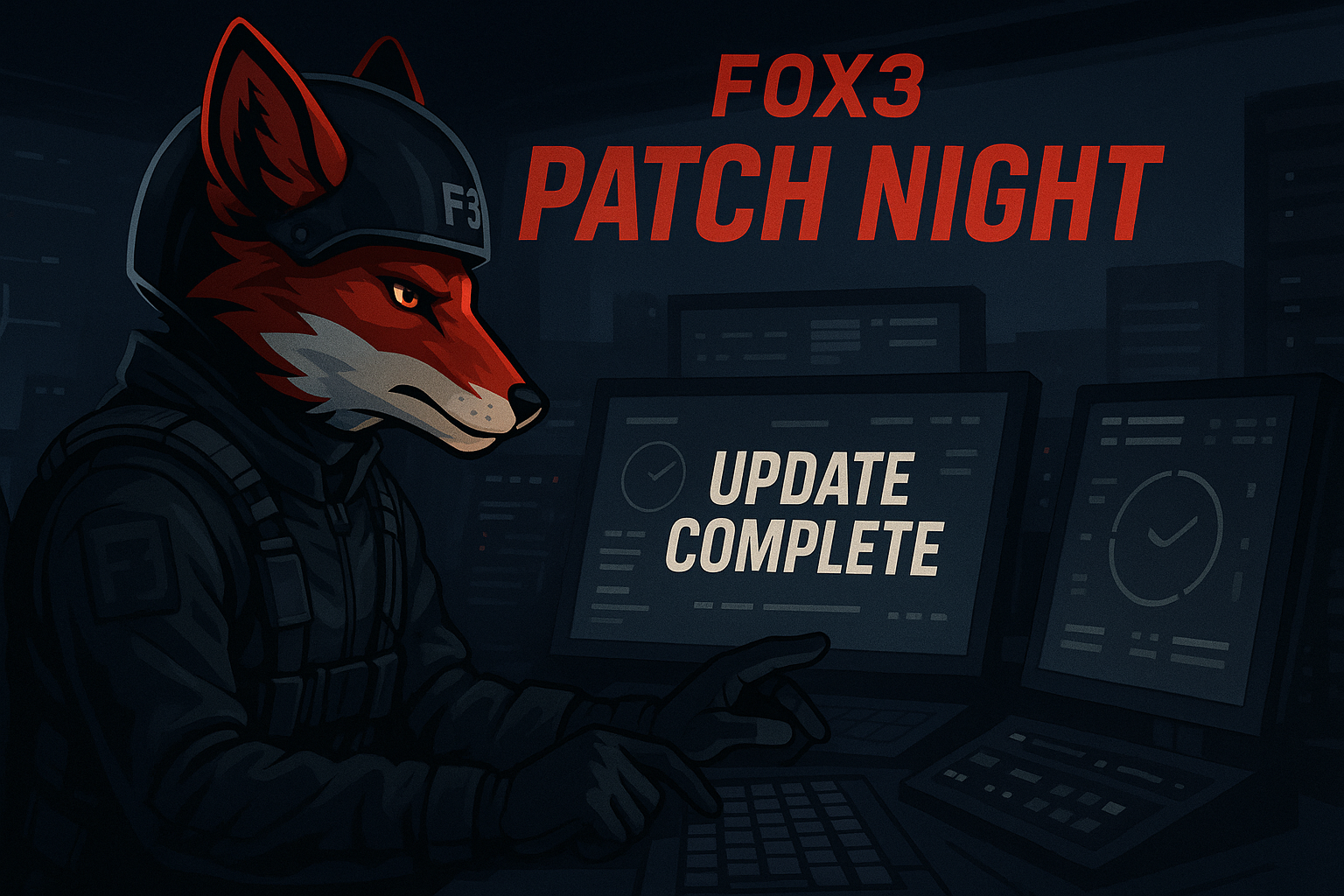
If you have ever been mid-brief with your squadron, everyone spun up and ready to go, only to get kicked from the server with a version mismatch error, you already know what patch night feels like. Eagle Dynamics drops an update, your client updates automatically, and suddenly the server you pay for is stuck on yesterday's build. Everyone is locked out. Someone has to go dig into their hosting panel, manually pull the update, restart the instance, and hope it works. That is the self-host and bare-VPS experience.
Fox3 Managed Solutions handles it differently. Automatically. Here is exactly what happens.
How Fox3 Detects a New DCS Update
The moment Eagle Dynamics publishes a new DCS World build, our platform detects it. We monitor the DCS update feed continuously, so there is no waiting for a human to notice the patch notes forum post or catch a Discord announcement. The detection is automated and runs around the clock across all of our datacenters.
This matters because DCS updates do not always drop at convenient times. A Wednesday afternoon patch in Virginia hits at a very different hour for pilots in Germany or Japan. With Fox3, it does not matter what time zone you are in or whether anyone on your team is even awake. The system sees the update and begins the process.
What Happens Next: The Update Sequence
Once a new build is confirmed, Fox3 does not just immediately hammer every server at once. There is a deliberate sequencing process, and that sequencing protects your players.
Here is how it flows:
- Detection confirmed. The platform verifies the new build version against the current running version on all managed instances.
- Active session check. Before any server is touched, the system checks whether an active mission is in progress. We do not interrupt a live sortie if we can avoid it.
- Graceful shutdown queued. Servers are brought down cleanly rather than force-killed. Mission state is handled properly so you are not left with corrupted save data or broken persistence files.
- Update pulled and applied. The correct build is pulled from Eagle Dynamics' servers and applied to each instance. This happens datacenter by datacenter across our global infrastructure.
- Health check before restart. The instance does not come back online until a health check confirms the update applied correctly. A server that fails the check gets flagged before your players ever see it.
- Server restored and online. Once the instance passes, it restarts cleanly on the new build, with your mission, your settings, and your mods exactly where you left them.
That sequencing across datacenters means our Dallas, Frankfurt, and other nodes are each handled cleanly without a cascading failure scenario. One datacenter's update does not block another's.
Client Version Mismatch Warnings
Here is where a lot of squads run into trouble even when their server updates correctly. DCS clients update on the player side, but if the server update lags even slightly, every connection attempt throws a version mismatch kick. The reverse is also true: if a player's client is slow to update, they cannot join a server that is already on the new build.
Fox3 handles the server side of that equation instantly. Because our managed instances update as fast as the build is available, your server is typically on the new version before most of your players have even finished their own client update. That means the window where your server is behind the client version is as short as operationally possible.
For the brief period between Eagle Dynamics releasing a patch and your players finishing their own updates, the mismatch kicks happen on the client side, not yours. That is actually the right order of events. It means your server is ready and waiting, not the other way around.
If you are ever unsure which version your server is running, your Fox3 dashboard displays the current running DCS build version in real time. No guessing, no asking in Discord, no logging in to a VPS and running a command-line query.
How to Know When Your Server Is Back Online
You have a few ways to track the update status without staring at a panel all night.
The Fox3 Dashboard. Your server status page updates in real time. When the instance is updating, you will see it. When it passes its health check and comes back online, you will see that too. The version number displayed after restart confirms you are on the correct build.
The Fox3 Discord Bot. If you have the bot connected to your server, it posts status changes to your designated channel. Update started, update complete, server online: all of that flows into your squad's Discord automatically. Your guys know the server is ready before you even finish your pre-mission brief.
Direct connection test. Old fashioned and reliable. Once the dashboard shows online, hop in the server browser or connect directly. If DCS connects you cleanly, the version matches and you are good to go.
On a typical DCS patch, the full cycle from update detection to server back online runs well under the time it would take you to manually log into a VPS, run the updater, troubleshoot a dependency issue, and restart the service yourself. Usually significantly under.
Why This Matters for Squadrons Specifically
Public server admins can absorb some downtime. If randoms get kicked for an hour on patch night, it is annoying but recoverable. For squadrons, the calculus is different.
You have scheduled events. You have players coordinating across time zones. You have members who took time out of their evening to fly. Every minute your server is down or on the wrong version is a minute of goodwill burned with your own community.
Fox3 was built by people who actually fly in squadrons and run events. That is exactly why automatic update management was not an afterthought. It is a core part of what managed hosting means here.
You fly. We handle the rest.
Frequently Asked Questions
Q: Does Fox3 automatically update my DCS server without me doing anything?
Yes. When Eagle Dynamics releases a new DCS World build, Fox3 detects it automatically and applies the update to your managed server. You do not need to log in, run an updater, or restart anything manually. The platform handles the full cycle.
Q: Will my server go down in the middle of a mission during a patch?
Fox3 checks for active sessions before initiating an update sequence. The goal is always to bring servers down cleanly at the right moment rather than force-kill an active mission. For scheduled events, it is still a good practice to check the Fox3 dashboard if you know a patch dropped shortly before your event start time.
Q: How long does the update process take on a Fox3 managed server?
It depends on the size of the DCS update, but for most patches the full cycle from detection to server back online is significantly faster than manual VPS management would allow. Smaller hotfixes can complete in just a few minutes. Larger content updates naturally take longer, but the process runs without any action required on your end.
Q: Why are my players still getting version mismatch errors even after my server updated?
If your server is already on the new build but players are still getting kicked, the mismatch is on the client side. Their local DCS installation has not finished updating yet. Once their client catches up to the version your server is running, connections will work normally. The Fox3 dashboard shows your server's current build version so you can confirm the server itself is current.
Q: Can I see what version my Fox3 DCS server is running right now?
Yes. Your Fox3 dashboard displays the current running DCS build version in real time. After any update, that version number updates to confirm the new build is live on your instance.
Q: Does the automatic update process work the same across all Fox3 datacenters?
Yes. The update sequence runs across all Fox3 managed datacenters. Each node is handled individually with its own health check before coming back online, so a hiccup at one location does not affect your instance at another.
Patch nights used to be the kind of thing that made server owners dread DCS update cycles. With Fox3 Managed Solutions, that stress just goes away. Your server stays current, your squad stays flying, and the version mismatch screen becomes something you only remember from the old days. If you want to see what a managed DCS server actually feels like from the inside, come find us at fox3cloud.com or drop by the Fox3 Discord. Happy Flying!
Ready to fly?
Get a fully managed DCS World or IL-2 server. Most customers are flying within an hour.