Why Your DCS Mission Is Choking Your Server (and How MissionRX Fixes It)
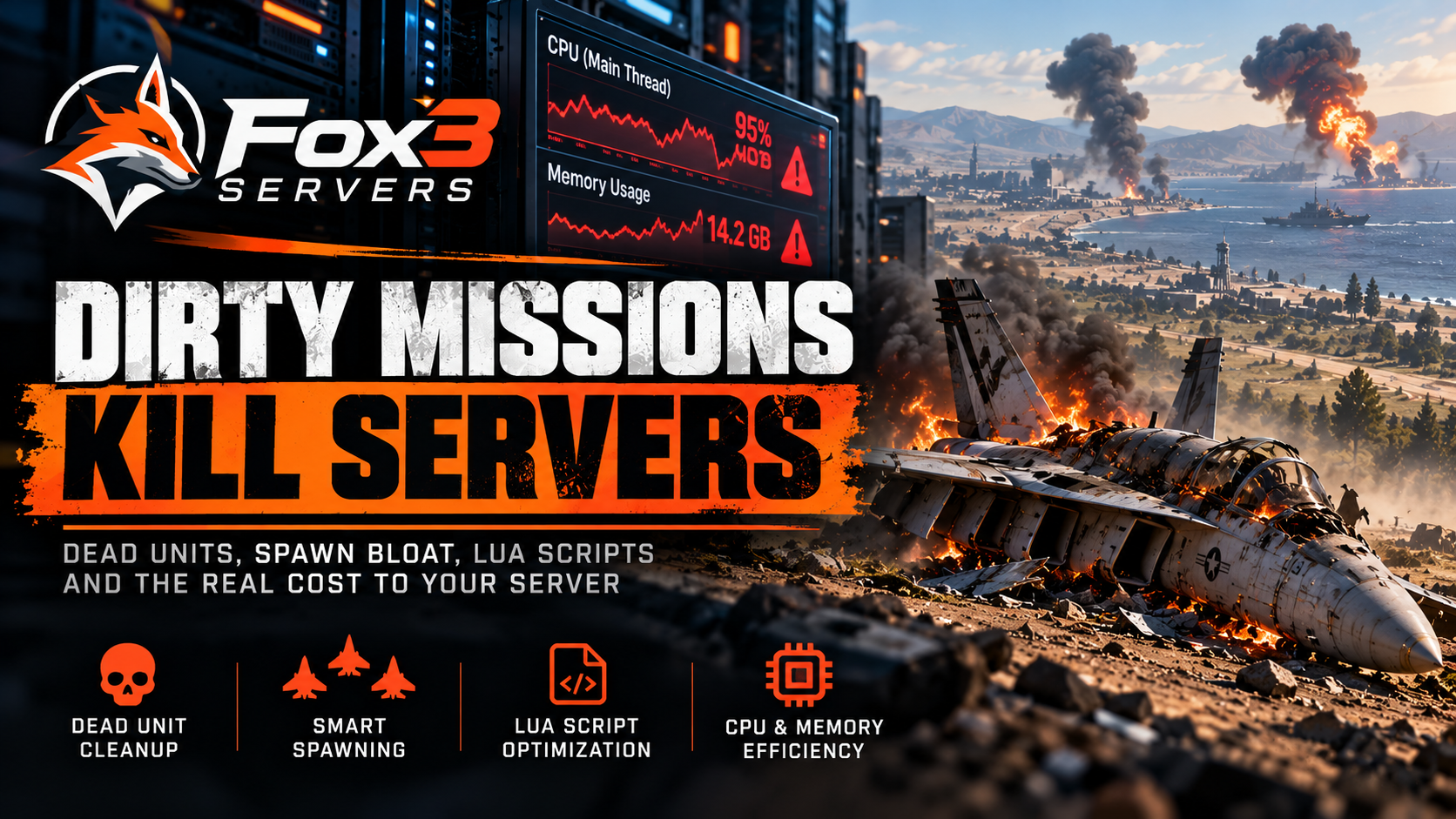
You built a great mission. Good objectives, solid triggers, decent AI coverage across the map. You upload it to your server, kick off the first session, and forty minutes in the whole thing falls over. Players disconnect. The server restarts. Nobody knows what happened. Sound familiar? The mission is almost never broken. It is just dirty. And dirty missions will grind even powerful server hardware into the ground.
Dead Units Are Killing Your Server
Every time an aircraft gets shot down, a vehicle gets destroyed, or a ship sinks in DCS, the engine does not just forget about it. That destroyed unit keeps living in memory. It has a position. It has state data. It may still have active triggers watching it. Multiply that by the full length of a mission session and you can end up with hundreds or even thousands of dead units quietly consuming CPU cycles and RAM in the background, doing absolutely nothing useful.
This is one of the most common causes of DCS server memory bloat and mid session crashes. The mission is not broken. It is just full of ghosts.
The fix is what the mission building community calls a "dead unit cleanup" routine. At regular intervals, a Lua script sweeps through the mission environment, identifies destroyed or inactive units, and removes them from the simulation state. This single change can dramatically extend a server session before it runs into memory pressure. Experienced mission builders do this automatically now. Newer builders often have no idea it is even necessary.
Spawn Management Is Just as Important
The second major performance killer is uncontrolled spawning. A mission that drops thirty AI aircraft into the world at startup, then spawns another wave ten minutes later, then triggers a ground convoy, then launches a SEAD package, is asking a lot of the server all at once. Each spawned unit costs CPU time. Each formation requires the AI pathfinding system to do work. Each active radar or weapon system adds to the simulation load.
The smarter approach is staged spawning. Units come into the world only when they are needed, in manageable groups, with enough spacing between waves that the server can handle each batch without stuttering. This sounds obvious when you write it out, but most mission files do not do it. They were built in the Mission Editor on a powerful gaming PC where the designer never felt the lag. On a server with thirty players connected, it shows up immediately.
Good spawn management also means being selective about what stays active. AI units that are waiting for a trigger do not need to be alive in the world yet. Static objects that exist purely for atmosphere can often be reduced without anyone noticing. Every unit you trim from the active simulation is a small amount of processing time returned to the pilots who need it.
Lua Scripts and What They Actually Cost
Most DCS multiplayer missions use Lua scripts for scoring, triggers, dynamic spawning, radio menus, and a dozen other functions. Lua in DCS is powerful, but it runs on the same thread as the simulation core. A script that runs a complex loop every second, or one that iterates over every unit on the map to check a condition, is consuming CPU cycles that the sim would otherwise spend keeping physics and AI smooth.
Common Lua performance problems include:
- Polling loops that run far too frequently. Checking a condition every 0.1 seconds when every 2 seconds would produce the same result.
- Unindexed table searches that grow slower as the mission progresses and the unit count changes.
- Trigger conditions that fire repeatedly because they were never properly reset after activation.
- Radio menu scripts that rebuild the entire menu from scratch every time a player opens it.
- Score tracking routines that write to a table on every single event instead of batching updates.
None of these issues crash the mission instantly. They accumulate. Frame times creep up. The server falls behind real time. Players notice rubberbanding and warping. Then someone fires a missile in a high traffic area and the whole thing tips over.
Cleaning up Lua is not glamorous work. But it is the difference between a mission that runs for four hours and one that makes it ninety minutes before the server restarts.
CPU Usage and Memory: The Real Scoreboard
DCS World is a single threaded simulation at its core. That means all of the AI logic, physics calculations, weapon tracking, and Lua execution compete for time on a single CPU core. This is a well known limitation of the engine, and it is why raw clock speed matters more than core count for DCS server hosting. But it also means that every inefficiency in your mission file costs more than you might expect. There is no second core waiting to absorb the overflow.
Memory tells a similar story. DCS will load every asset referenced in a mission into RAM, including terrain textures, aircraft models, and object definitions. A mission that uses assets from three different maps, references a large number of unique liveries, or carries a bloated script payload will consume significantly more memory than one that is lean and focused. On a server running multiple concurrent sessions or a single high player count mission, memory headroom is not something you want to waste.
The practical target for a well optimized multiplayer mission is a stable CPU thread utilization that does not spike above 80% during peak combat and a memory footprint that leaves your server with comfortable headroom for player connections and the DCS network stack. Getting there requires knowing where the waste is. That is exactly where the analysis has to start.
Introducing MissionRX
Fox3 built MissionRX because this problem was eating our customers alive. We were seeing the same patterns over and over on Fox3 hosted DCS servers. Great missions, passionate communities, and servers that kept crashing because nobody had ever looked under the hood of the mission file.
MissionRX is a mission health analysis tool built specifically for DCS. You feed it your mission file and it tells you what is wrong, where the performance is leaking, and what needs to be cleaned up before you put that mission on a live server.
Here is what MissionRX looks at:
- Dead unit accumulation patterns and whether a cleanup routine is present and correctly configured.
- Spawn timing and density, flagging waves that will create CPU spikes at mission start or during key trigger events.
- Lua script efficiency, identifying loops, polling intervals, and table operations that are costing more than they should.
- Asset load, cataloging the objects and liveries referenced in the mission and flagging anything that will inflate memory usage unnecessarily.
- Trigger logic, checking for conditions that may fire repeatedly or never clear correctly.
- Overall mission health score with prioritized recommendations for what to fix first.
The goal is to take the guesswork out of it. Instead of launching a mission and waiting to see if it crashes, you know before it ever touches a live server whether it is ready to run.
MissionRX is available to Fox3 customers as part of the Fox3 platform. If you are running a hosted DCS server with Fox3 and your missions are giving you grief, this is the tool that was built for exactly that situation. Upload your mission, run the analysis, and come out the other side with a file that is actually ready for a full server session.
Your players will not know what changed. They will just notice the server does not crash anymore. That is the whole point.
Frequently Asked Questions
Does mission file size directly cause server crashes?
Not always directly, but large mission files are usually a symptom of the underlying problems that do cause crashes. A big file often means a lot of active units, a lot of Lua scripting, and a lot of assets loaded into memory. It is a signal worth paying attention to, but the real issue is what is inside the file, not the file size itself.
How often should a dead unit cleanup routine run in a DCS mission?
A common and effective interval is every 30 to 60 seconds for active combat missions. Running cleanup more frequently than that can create its own small CPU cost. Running it less frequently in a high attrition mission lets ghost units accumulate. The right interval depends on how fast your mission generates destroyed units, but somewhere in that 30-60 second window is a solid starting point for most multiplayer missions.
Can bad Lua scripting crash a DCS server on its own?
Yes. A Lua script that enters an infinite loop, references a nil object without error handling, or allocates large amounts of memory repeatedly can absolutely bring down a server session. Even scripts that do not crash outright can degrade server performance badly enough that players experience significant lag, and the session eventually dies from accumulated instability.
Does MissionRX modify my mission file automatically?
MissionRX is an analysis tool. It identifies problems and gives you prioritized recommendations, but it does not make changes to your mission file without your direction. You stay in control of what gets changed and how. The analysis just makes sure you know what to look at.
Will a well optimized mission run better on any DCS server, or only Fox3 servers?
A clean, optimized mission will perform better on any DCS server hardware. Optimization is not platform specific. That said, Fox3 hosted DCS servers run on hardware selected specifically for DCS World performance, and pairing a well built mission with quality server infrastructure is where you see the best results.
My mission ran fine in single player. Why does it crash on a multiplayer server?
Single player DCS runs on your local machine with no network overhead and no concurrent connections. Multiplayer adds the cost of syncing every unit's state to every connected player in real time, plus the load of managing those connections. A mission that is borderline on resources locally will hit its limits much faster with twenty or thirty players connected. This is why testing locally does not tell you whether a mission is actually ready for a public server.
If your server is crashing mid session and you have been blaming the hardware, it might be time to look at the mission itself. Nine times out of ten, that is where the real problem is hiding. Fox3 MissionRX was built to find it. Check it out at fox3cloud.com and put your missions through their paces before your next event.
You fly. We handle the rest.
Ready to fly?
Get a fully managed DCS World or IL-2 server. Most customers are flying within an hour.