Squad Liveries That Just Show Up: Fox3 Livery Share Now Runs in Your Browser
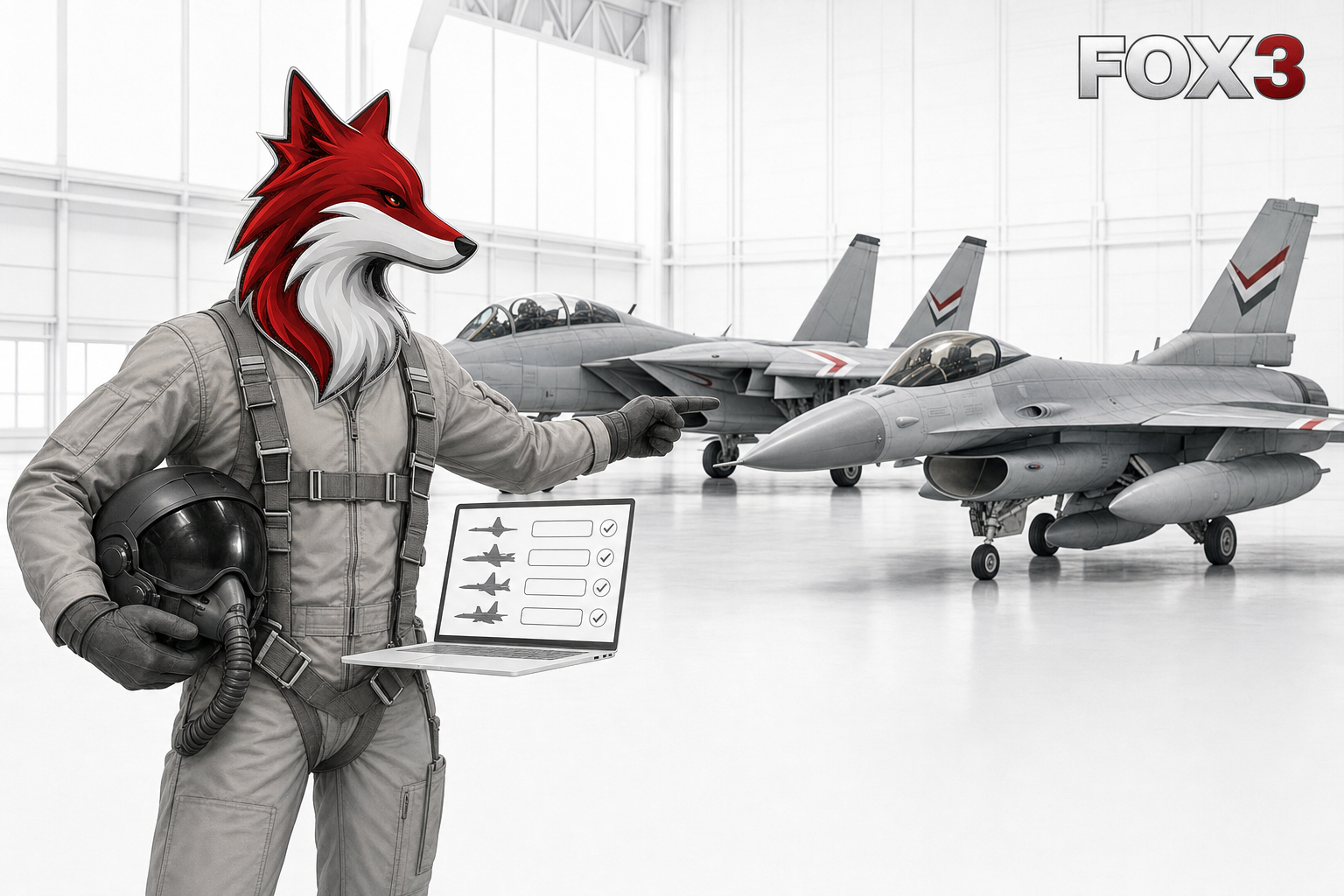
Every squad has lived this one. Someone paints a gorgeous new skin for the F-16, posts a zip in Discord, and half the flight unzips it into the wrong folder. Two pilots never download it at all. Come Friday night, the pretty formation shot has three default gray jets in it and the question that never dies: "why can't I see your skin?"
Fox3 Livery Share fixes that, and as of this week it does it from a web page. No installer, no Windows warning, nothing running in your system tray unless you want it to.
What Livery Share Does
Livery Share gives your squad a shared pool of liveries. Members sign in with Discord, so anyone in your squad's Discord server is already a member. When someone shares a livery, everyone else in the pool receives it automatically, into the right place in Saved Games\DCS\Liveries, with the right folder name, every time.
It only moves what changed. Skins are tracked file by file, so when the painter tweaks one texture, members download that one texture, not the whole 300 MB livery again. The same file shared by two squads is stored once on our side, which keeps the pool fast.
The squad admin sees who has what. The pool page shows every livery, who shared it, how many members have it installed, and how many downloads it has had. The "why can't I see your skin" question gets a real answer: because Dave has not synced since Tuesday.
New: Sync in Your Browser
Until now Livery Share needed a small background agent on each PC. It still exists and still works, but it is a Windows executable, and Windows likes to warn about executables it does not recognize. Plenty of pilots, quite reasonably, will not click past that warning.
So we built the same thing as a web page. Open Sync in browser on the Livery Share site in Google Chrome or Microsoft Edge, and the page does the agent's job from inside the tab:
Sign in with Discord at skin-sync.fox3cloud.com and click Sync in browser.
Click Choose your DCS folder and pick
Saved Games\DCS(orDCS.openbeta). The browser asks once whether the page may view and edit that folder. Choose Edit files.That is it. Your squad's liveries start arriving. The page checks again every ten minutes while it stays open, or whenever you click Sync now.
To share one of your own liveries, scroll to step 3 on the page and click Share next to it.
In our live test, a fresh PC pulled three liveries totaling half a gigabyte in seventeen seconds, and the second sync moved nothing at all because nothing had changed.
A few practical notes:
Chrome and Edge work out of the box. Edge is already on every Windows PC.
Brave users need to turn on one setting first: open
brave://flags/#file-system-access-api, set it to Enabled, and relaunch. The page tells you this if it notices Brave.Firefox and Safari cannot write to your DCS folder from a web page, so the sync page will not work there. The rest of the site is fine.
Close DCS before syncing, since it holds livery files open, and restart it afterwards so it sees the new skins.
Chrome and Edge can install the page as an app from the browser menu. It then opens in its own window and remembers your folder between visits.
Sharing a Livery
Any livery that works for you in DCS can be shared. Put it where you always do, Saved Games\DCS\Liveries\<aircraft>\<livery name>, with its description.lua, and it shows up in step 3 of the sync page. Click Share and the page reads the files, uploads only what the pool does not already have, and the row changes to shared v1.
A livery name can only be used once per aircraft in a pool, and only the person who shared a livery can update it. Changed it since? The row offers Upload new version, and the squad gets the update on their next sync.
What We Will Never Do to Your DCS Folder
This part matters to us more than any feature. The page follows the same rules the agent does:
It writes only inside
Liveries\<aircraft>\<livery>folders that it created itself, marked with a small file so it knows which ones are its own. A livery you made by hand is never touched.Every file is checked against its fingerprint before it is written. A broken download is thrown away, not installed.
Nothing is deleted. A file the pool replaces is moved to
Saved Games\DCS\.flss-trash\<date>\and kept for 14 days.If a livery with the same name already exists on your PC with different content, the page leaves it alone and shows it as a conflict for you to decide.
Rather Run It in the Background?
The agent is still there for anyone who prefers a tray icon that syncs whether or not a browser tab is open. The Help page on the Livery Share site walks through installing it and linking it to your account. Both ways can run side by side on the same PC.
Want a Livery Worth Sharing?
A shared pool is only as good as what goes in it. If your squad wants a custom livery of its own, with your patch, your tail code and your colors, Fox3 builds them. Send us the photo or the idea and we deliver the finished skin, ready to drop into the pool so the whole squad is flying it by the weekend. Details are at fox3servers.com/liveries.
How to Get Livery Share for Your Squad
Livery Share is an add on for Fox3 DCS server customers. Your Discord server becomes the pool, so there is nothing new for your members to join. Ask us in Discord or open a ticket at fox3servers.com and we will switch it on for your squad.
Then tell your pilots to open Sync in browser, pick their DCS folder once, and stop asking why they cannot see your skin.
Ready To Fly!
Ready to fly?
Get a fully managed DCS World or IL-2 server. Most customers are flying within an hour.